A wine label is designed to sell a bottle, not to feed a database. The producer may be larger than the wine name, the vintage may sit on the neck and a decorative script can turn a simple word into a guessing exercise. A good scan workflow keeps the speed of recognition and gives the final decision back to the person holding the bottle.
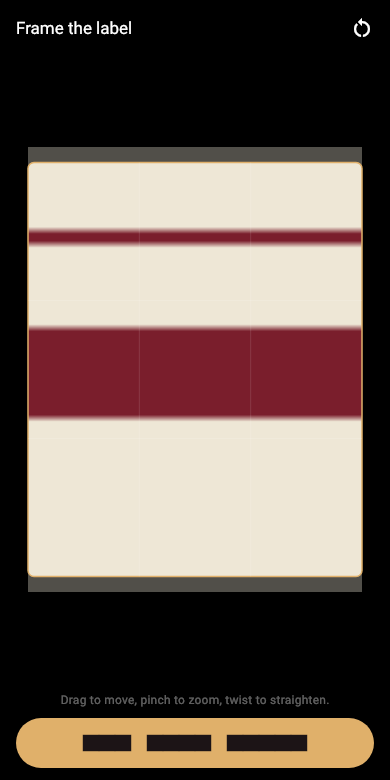
Use the front label first
Place the bottle on a steady surface and point the camera straight at the label. Fill most of the frame without cutting off the edges. Soft daylight works well. A ceiling light reflected in glossy paper can erase exactly the line you need, so turn the bottle a little or move the light instead of accepting the glare.
Keep the label upright when possible. Cellar can read text in more than one orientation, but a straight label preserves the natural reading order and makes the result easier to check.
Frame the label, not the whole bottle
A rack, price tag and the bottle behind it all contain shapes or words the recognizer does not need. Crop to the printed label. If the automatic frame misses an unusual shape, move and resize it by hand.
The original photograph still matters. It gives the bottle a visual identity on the shelf and lets you settle an uncertain field later without walking back to the cellar.
Check name and vintage before anything else
The largest words are not always the wine name. On many labels they are the producer, estate or region. Read the proposed name as a person would refer to the bottle. Then confirm the vintage. A vintage on the neck, foil or a small corner is easy to miss, but it deserves its own record.
Producer, region and grape are useful for search and can be corrected immediately. If the grape is not stated, leave it blank rather than inferring one from the region. The label is evidence. A guess is not.
Know the difference between reading and identifying
Text recognition reads what is printed. It does not need to send the label to a shared wine database, and it does not promise a catalog match. That makes it quick and private, but it also means that an ornate label or a nickname may need a correction.
Cellar keeps the words found on the label available to search. Even if a line was not chosen as a formal field, a producer, village or designation you remember can still lead back to the bottle.
Use the back label only when it adds something
The back label may state the grape, importer or exact appellation more plainly. Add it as another photo when it helps, but do not make every bottle a photography project. The fastest sustainable routine is one good front image, a checked name and vintage, the quantity and the location.