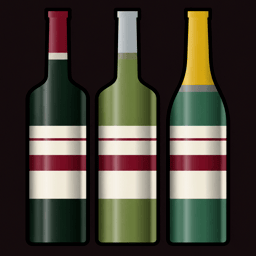
A private wine cellar for iPhone and iPad
Know what you own. Find the bottle when you want it.
Photograph a wine label. Cellar reads the name, vintage, producer, region and grape, then puts the bottle where you actually keep it. No account and no cloud cellar.
- 12 bottles free
- Runs on your device
- Built by one developer

From label to shelf
A bottle should take a photo, not a form.
Cellar reads the label on your phone. You check what it found, choose a rack and row, and save. The photo and every detail stay with the bottle.
- 1Photograph the label
The camera frames the label and reads the text on it.
- 2Check the useful details
Name, vintage, producer, region and grape remain editable.
- 3Put it where it lives
Choose the real rack, case, box and row. Search takes you back there later.
Cellar guides
Practical answers for keeping wine at home.
Clear methods for inventory, drinking windows, storage and tasting notes. Written around the work, not around a keyword count.
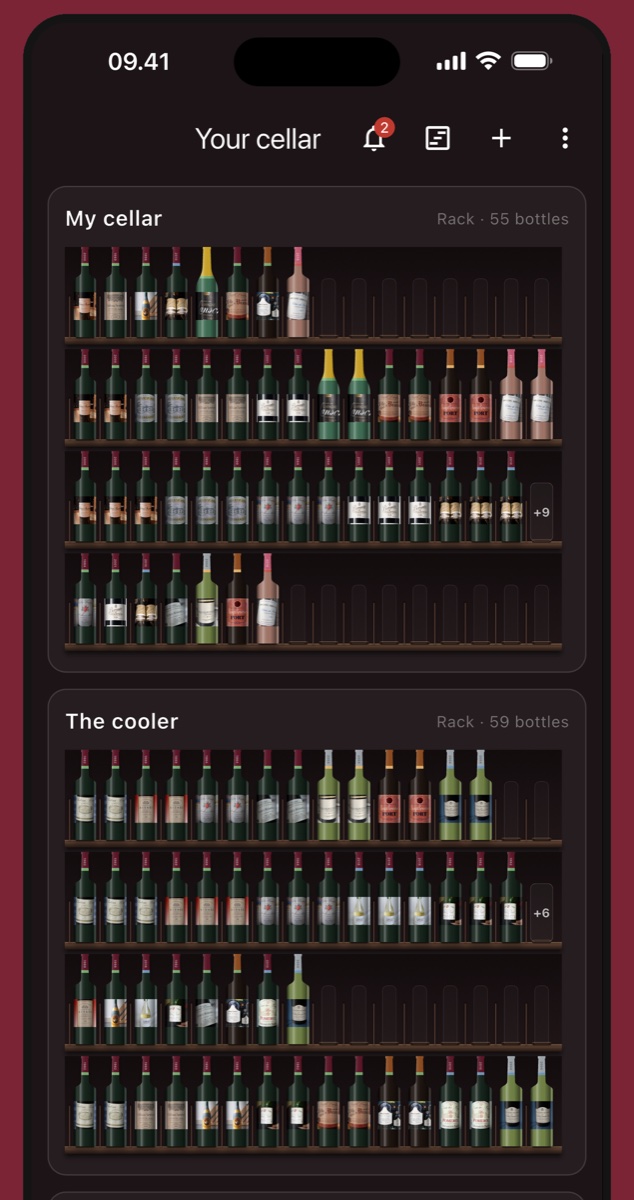
Getting started
How to inventory a wine collection
A shelf-by-shelf method that leaves you with an inventory you can keep current.
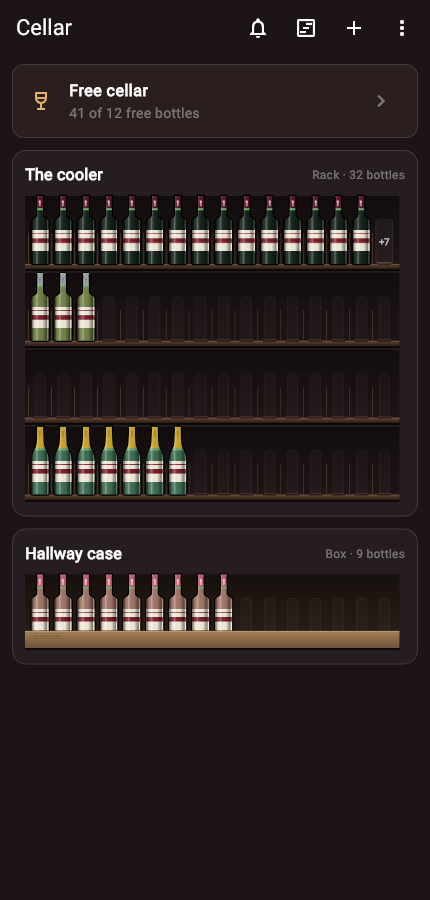
Organization
How to organize wine by rack and row
Use locations that match the physical cellar, including cases and overflow boxes.
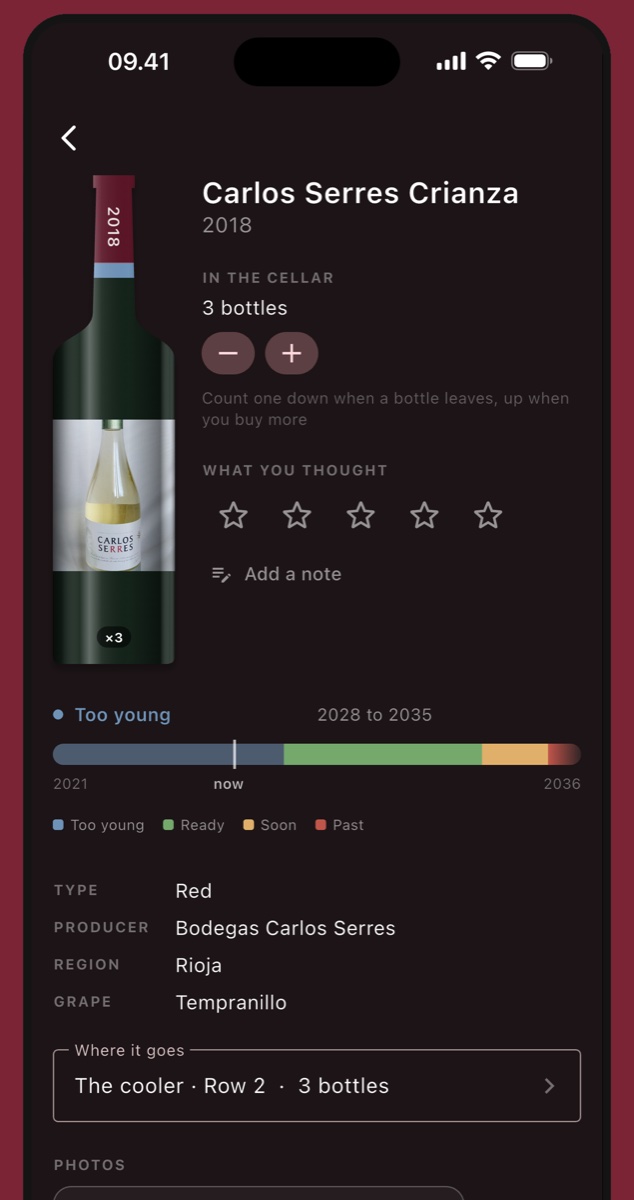
Drinking windows
How to track when a wine is ready
Turn a rough drinking window into a useful plan without pretending the date is a promise.
Private by design
Your cellar is a file on your device, not an account on ours.
Cellar does not need a sign-in. Wine names, photos, notes and searches stay on your iPhone or iPad. When you want a backup, you export one file and choose where it goes.
Read the privacy policy